



Published : 23 Aug 2026, 06:50 PM
Updated : 08 Sep 2026, 09:35 AM


Anyone who has tried to save a Pinterest video already knows there is no way to do it. The button is not tucked away in a menu somewhere. It does not exist. TikTok at least lets you download, though it writes your username across the picture on the way out, and X, which most people still call Twitter, wants a subscription before it will let you keep anything at all.
There are ways around all three, none of which involve installing anything, and they all amount to the same manoeuvre: copy the link, paste it into a website, take the file. A Pinterest video download works that way, and so do the other two.
Why platforms make it hard to save a video
The commercial logic is not complicated. Every one of these companies makes money from you opening the app again tomorrow, and a file sitting in your gallery is a visit that never happens. An outright ban would cause complaints, so instead the whole thing is left awkward in ways nobody has to defend publicly.
Pinterest simply never built the feature. TikTok built it and then marked everything that passes through, which discourages the use most people had in mind. X went a different route again and charged for it. Different methods, same outcome.
Pinterest: no download option at all
People do go looking. They press and hold, open the three-dot menu, work through the account settings, and find nothing, because there is nothing to find. What the platform calls saving is really a bookmark. The video stays where it was, on Pinterest's servers, and your board holds a pointer to it.
Which is fine until the pointer stops pointing at anything. The person who uploaded it can delete their account whenever they feel like it, and every board holding that Pin empties out at the same moment. The thumbnail often survives, so nothing looks wrong until the day you tap it and get a grey rectangle.
That has a cost in Dhaka specifically. The tailoring shops around Elephant Road and New Market work from visual reference all day, and so do the small units taking custom orders through Facebook. For them a board of style Pins is closer to a filing cabinet than a mood board, and finding a chunk of it gone one morning is not a minor annoyance.
Pinpea Pinterest video downloader
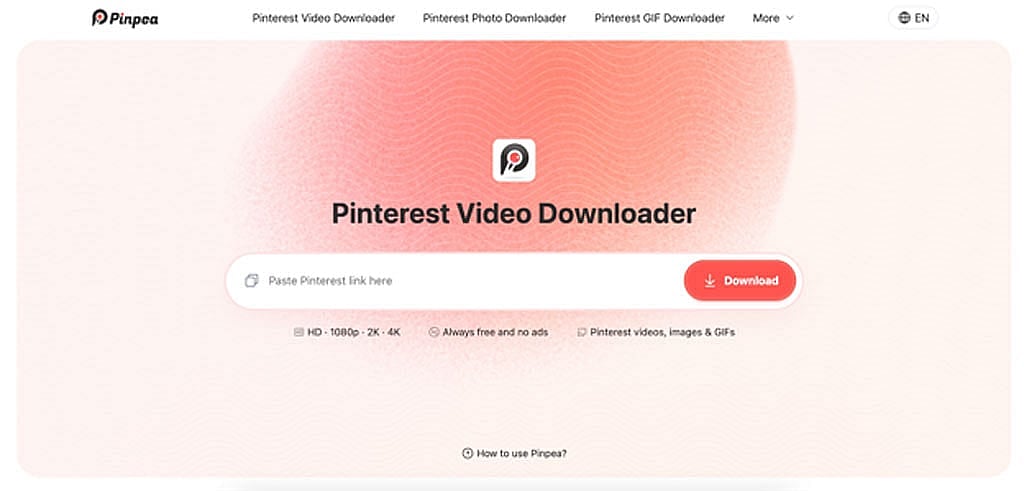
What is Pinpea Pinterest video downloader
What Pinpea does is hand over the file Pinterest holds onto. You give it a Pin address, it looks at what the post actually contains, and it returns the media itself instead of a pointer to it. Whatever format the thing went up in is the format that comes back down.
There is no software involved, which is worth something at a cybercafe in Dhanmondi or on a handset two people share. You are just opening a website, and when you close the tab nothing stays on the machine.
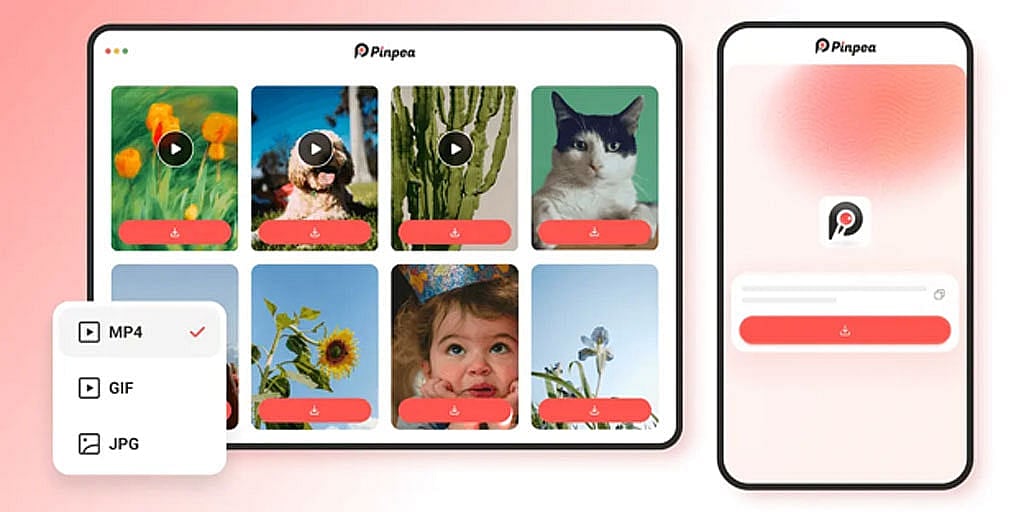
Key features of Pinpea
How to download a Pinterest video with Pinpea
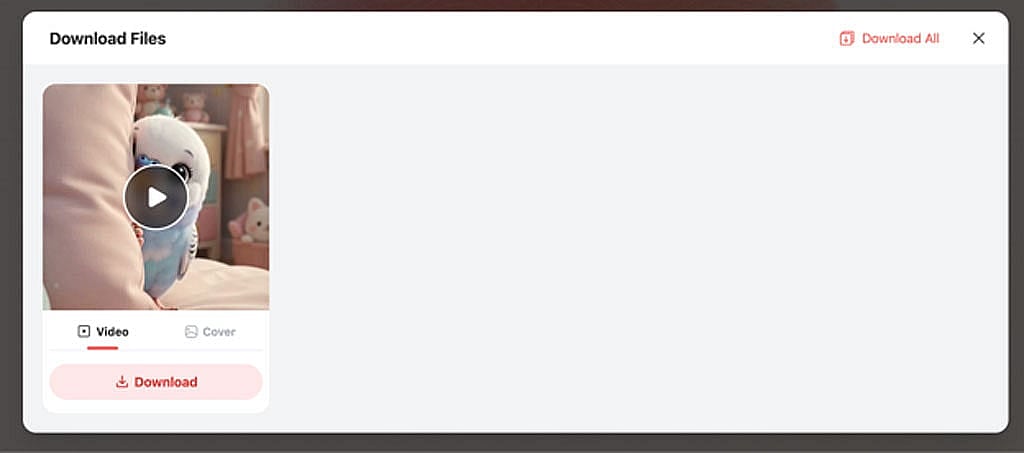
Public material only, though. If a board is set to private, or the content sits behind a login, it stays out of reach.
TikTok: the watermark problem
TikTok is more generous, in that the file does reach you. It arrives with your handle and the TikTok logo written into the picture, and both of them move. They drift around the frame on a loop. The obvious response is to crop the edges, and it does not work, because by the time you have cut away the corner the mark was in, it has wandered off to another one.
If you send clips to customers on WhatsApp this comes up constantly. The logo settles over whatever detail you were trying to show, and a branded file quietly tells the person on the other end that you got this from somewhere else. SSSTikTok strips it off.
SSSTikTok TikTok video downloader
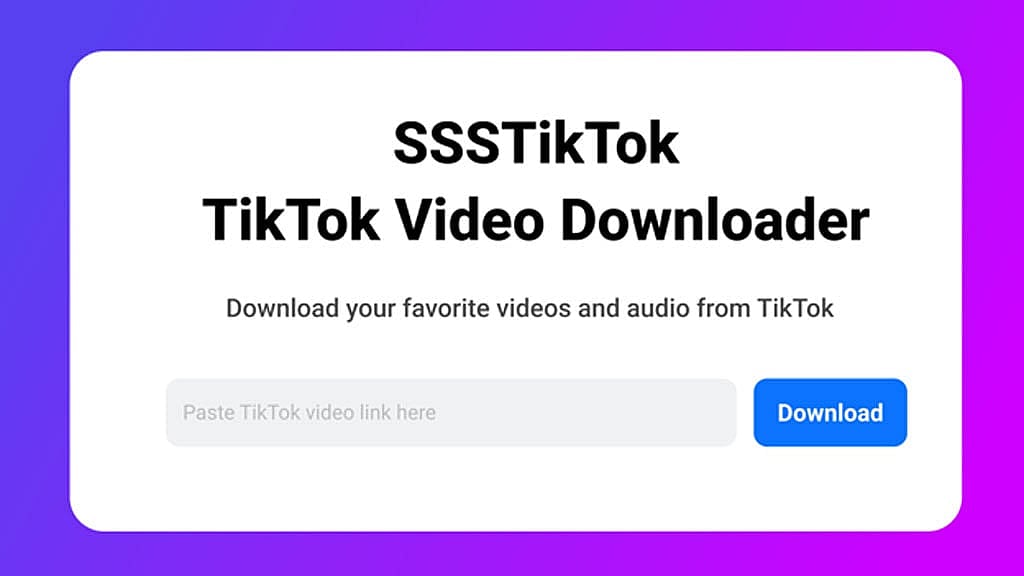
What is SSSTikTok video downloader
Because getting the video was never the hard part on TikTok, this tool is really solving a different problem to Pinpea. Paste in a post address and you get the clip back without the branding on it.
The method matters more than people expect. A lot of watermark removers record the video playing and re-encode whatever they captured, and you can usually see it within a few seconds. SSSTikTok reads the source file instead, so the copy you end up with looks the way the post looked.
What SSSTikTok video downloader offers
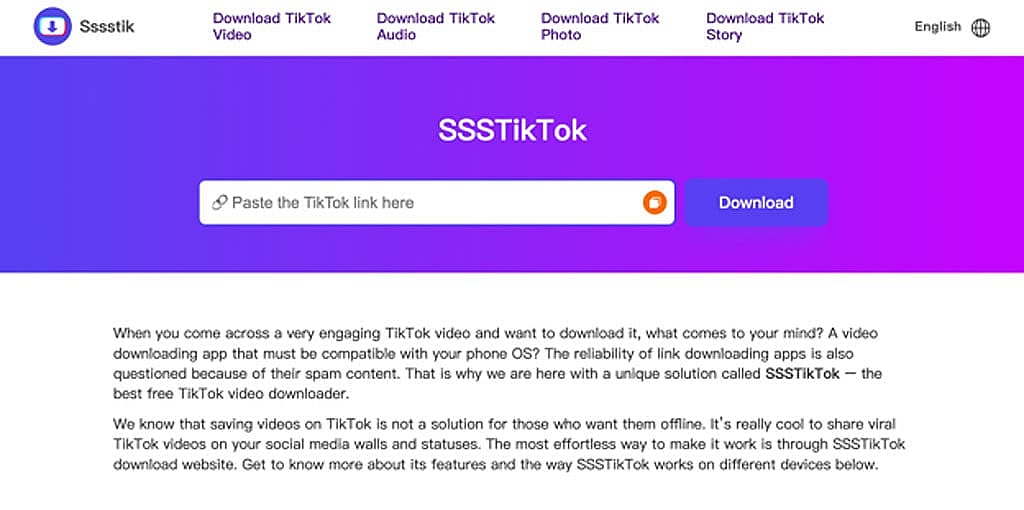
How to download a TikTok video without watermark
Twitter: downloads sit behind a subscription
X went for the simplest option and put a price on it. Saving video sits in the paid tier, so doing a Twitter video download without paying means going outside the platform to do it. The feature technically exists, in the way a locked door technically opens.
For the large number of people who use X to read rather than to post, a monthly subscription to hang onto the occasional clip is a hard sell. You can follow everything for nothing but you cannot keep any of it, which is a strange line to draw.
Bangladeshi users lean on X for exactly that: reporting, political argument, statements that get deleted a few hours later.
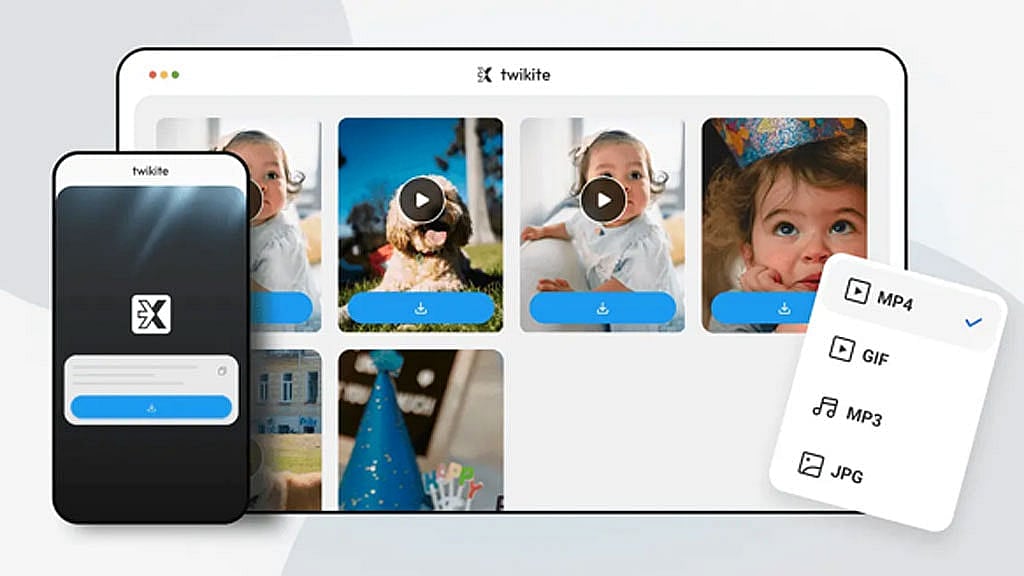
Twikite Twitter video downloader
What is Twikite Twitter video downloader
Twikite takes a tweet link and pulls whatever media is attached to it. Paste the URL in and it identifies what the post is carrying, then lists a download link for every resolution the original was published in. The files come straight off X's servers, so nothing is queued and nothing is re-encoded along the way.
Key features of Twikite
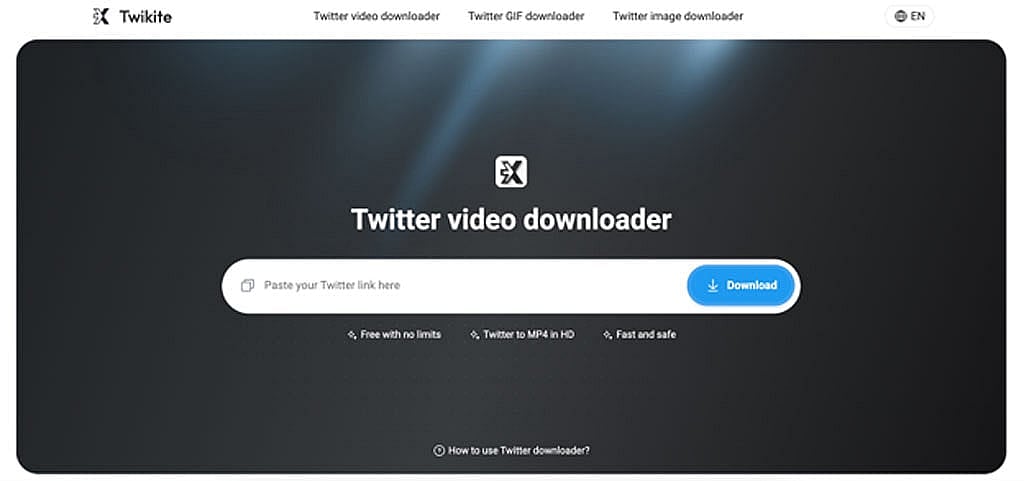
Two limits worth knowing. Protected accounts are unreachable, since X blocks that at their end. GIFs come down as MP4 files rather than as GIFs, because that is how X stores them in the first place.
It depends which platform is giving you trouble. Pinpea is the one for Pinterest, where nothing is offered and most of what people want is visual reference material. SSSTikTok deals with the branding TikTok adds. Twikite covers X, where the function exists but sits behind the subscription. Since none of them ask you to register, there is nothing much to weigh up before trying one.
Saving versus sharing
Nobody minds you keeping a copy for your own use. Republishing someone else's work under your own name is a different matter, and audiences spot it much faster now than they did a few years ago. If a clip is going anywhere public, credit whoever made it, or send them a message first.
None of these three charge anything or ask who you are, which is worth checking on any downloader you have not used before. A fair number will want an account and a device permission or two, and neither of those has much to do with saving a video.
[Disclaimer: This is a sponsored article, not a news report. bdnews24.com is not responsible for information published in this article]